![GTA-Full-white-logo-wo-strapline-RGB.png]](https://www.gta.net/hs-fs/hubfs/Logos/GTA-Full-white-logo-wo-strapline-RGB.png?height=40&name=GTA-Full-white-logo-wo-strapline-RGB.png)
Scan the QR Code below to download or access the GTA Prepaid App. 
Alternatively, you can access the web portal page at GTA Pop Up Prepaid Portal
Device Compatibility
Use the table below to check whether your device is compatible with the GTA Pop Up Prepaid App.
|
Device |
Minimum OS |
Compatible Devices |
|
Samsung |
Android 11 |
Galaxy A04e, Galaxy A15, and future A series models. |
|
Google Pixel |
Android 11 |
Pixel 7 and future models |
|
BLU |
Android 11 |
BOLD K12, BLU G75, and future models |
|
Motorola |
Android 11 |
Motorola Moto G06 and future models |
|
iPhone |
iOS 16.0 |
iPhone 8 and future models |
How to Register
1. If you have not yet created an GTA Prepaid account, click Create one.
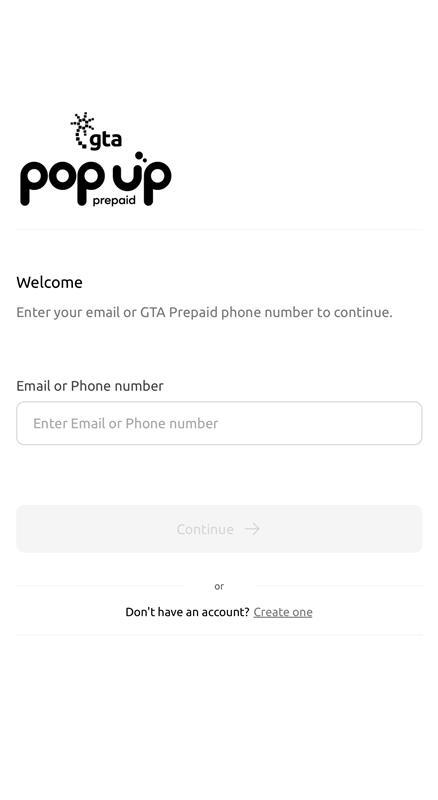
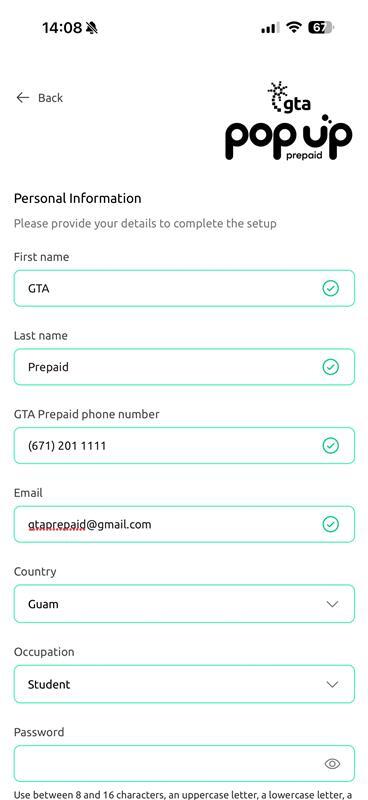
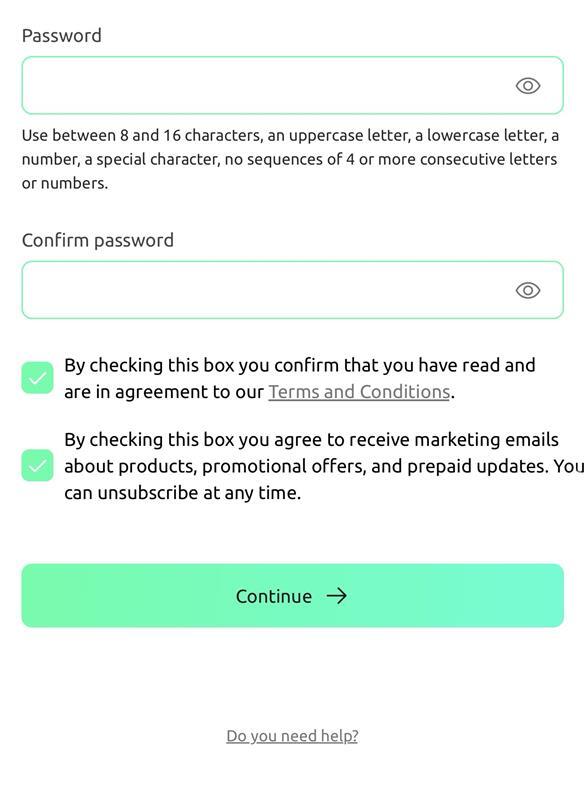
2. Fill out the following details for your account creation. Once complete click Continue.
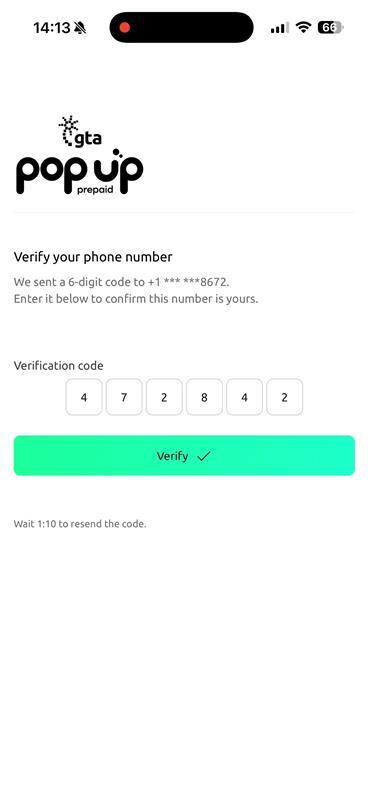
3. You will receive a 6-digit OTP verification code to the GTA prepaid phone number you inputted. Once you input the verification code click Verify.
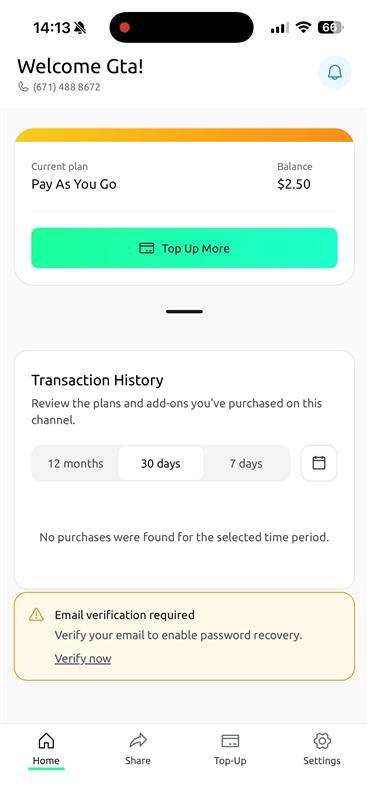
4. You can now start using the GTA Prepaid App. If you have not yet verified your email, click Verify now as you will not be able to change passwords (clicking “Forgot password?”) unless the email is verified.
To learn more about our GTA Popup Prepaid App, click here https://www.gta.net/help-center/gta-prepaid-app-navigation